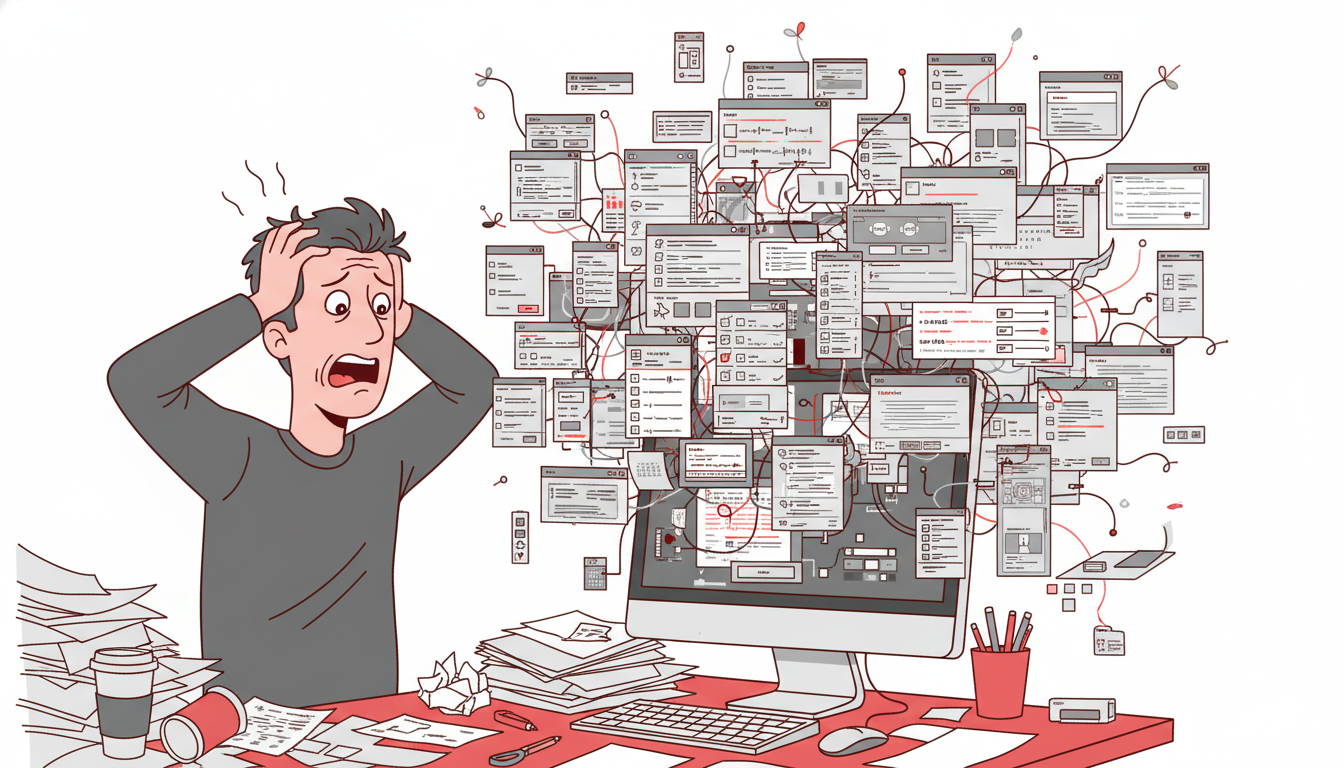
Last month, I watched a 10-year Adobe expert struggle with Photoshop.
She needed to find a tool. Not because it didn’t exist. But because Adobe buried it under four menu levels. She clicked through Tools. Then Advanced. Then Specialized. Then finally found it.
“Why is Adobe’s UI like this?” she asked, frustrated after five minutes of hunting.
Good question. Adobe makes design software. The company literally wrote the rulebook on digital creativity. You’d think they’d design their own interface well.
They don’t. And honestly? Even Adobe designers probably hate using Adobe. Reddit threads overflow with complaints. Designer communities post bugs faster than Adobe fixes them. The pattern is consistent: Adobe prioritizes features over usability. Always has.
This isn’t a new problem. It’s a systemic problem that started decades ago and got worse with subscription revenue.
The History of Adobe UI Disaster: From Simple to Broken
Photoshop 7 (2002): When Adobe Got It Right
Photoshop 7 was simple. Tools were obvious. Menus made sense. A new user could open the software and understand the basic layout within minutes.
The toolbar displayed essential tools. Advanced options lived in logical menu hierarchies. Panels grouped related functions together.
Designers loved it. Not because it was perfect. But because it respected their time.
The Feature Bloat Era (2003-2013)
Then Adobe made a decision: add more features. And more. And more again.
Photoshop went from 50 essential tools to 200 features. Then 350. By 2025, Photoshop has 500+ features scattered across multiple menus, submenus, panels, and hidden options.
The problem isn’t complexity. Complex software can still have good UX. The problem is Adobe added complexity without redesigning how users access it.
They just kept adding panels. Stacking menus. Hiding options deeper.
The Subscription Model Problem (2013-Present)
In 2013, Adobe switched from selling Photoshop for ₹25,000 one-time to a subscription model at ₹4,500/month. Suddenly, revenue became recurring and predictable.
Something changed internally. Innovation pressure disappeared. Why redesign the UI when subscription revenue keeps flowing regardless of satisfaction?
As one designer observed on Reddit: “I’m paying Adobe ₹4,500 a month and using 5% of features. The software is so bloated that 95% of what I buy never gets used.”
That’s not a feature problem. That’s a business problem masquerading as a design problem.
The Five Critical Adobe UI Failures
Problem 1: Hidden Features (The Labyrinth Approach)
You need to adjust image levels. It’s not on the toolbar. You check Image menu. Not there. You look under Adjustments. Found it.
But wait. You could also do it through Curves. Or Levels. Or Camera Raw Filter. Or Smart Objects.
Adobe doesn’t prioritize. It just adds every possible way to do something and expects users to know where to look.
Compare this to Figma. Figma’s design philosophy: one clear path for 80% of users. Advanced options for the remaining 20%.
Adobe’s philosophy: show everything and hope users find it.
Users don’t find it. They give up.
Problem 2: Inconsistent Navigation Across Products
You use Photoshop for three hours. You switch to Illustrator.
The menu structure is completely different. Illustrator’s layout is different from InDesign. Different from Premiere Pro.
Even Adobe experts get confused switching between Adobe apps. A tool in Photoshop might be called something else in Illustrator. A feature in InDesign might not exist in the same form elsewhere.
This is amateur-hour design. Your own product line should have consistent navigation patterns. Instead, Adobe treats each product like a separate company designed by different teams with no communication.
Problem 3: Overwhelming Defaults (Information Overload)
New user opens Photoshop. Sees 40 panels open by default. Layers panel. Channels panel. Paths panel. Brushes. Swatches. History. Actions. Adjustments. Properties.
They don’t know what any of them do. They don’t know how to close them. They just feel overwhelmed.
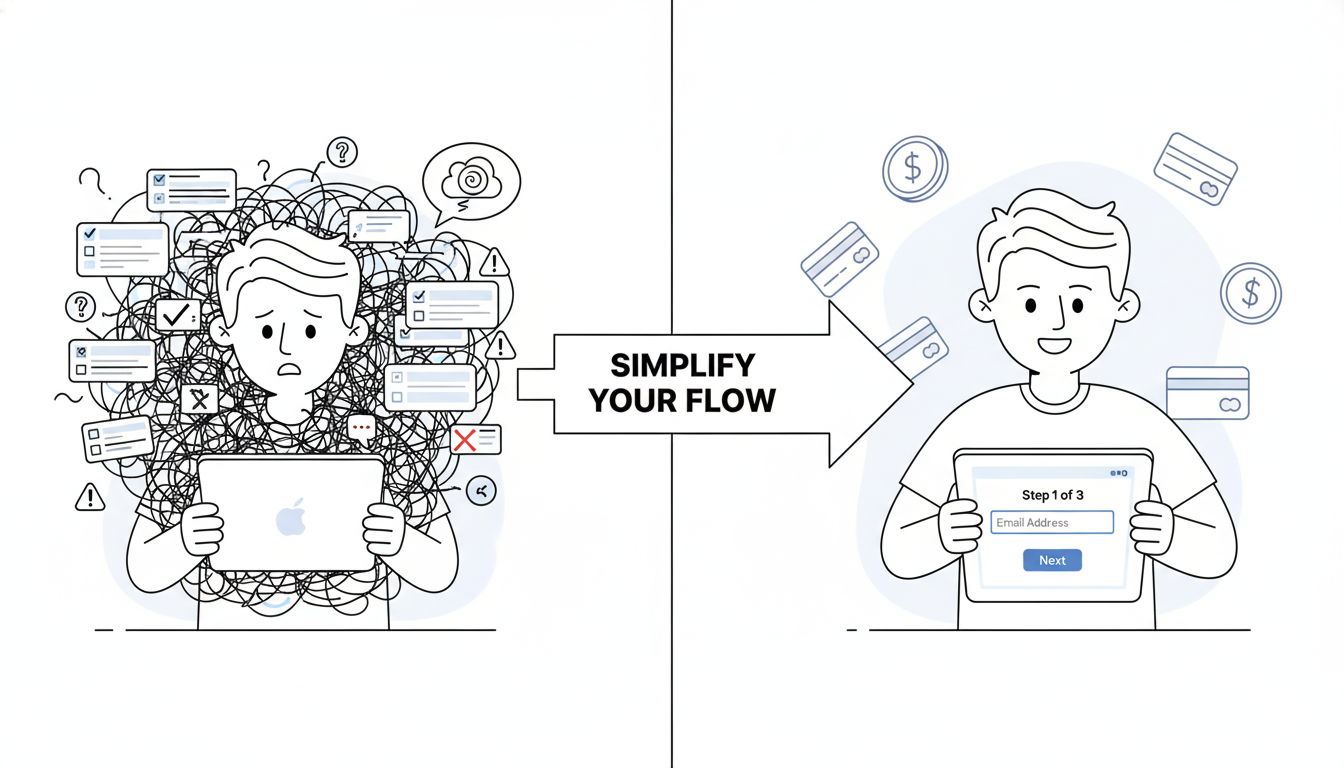
This is the opposite of progressive disclosure. Good design shows beginners what matters. Reveals complexity as they grow.
Adobe shows everything. Let users figure out what they don’t need.
Problem 4: Jargon Overload (Terminology for Experts, Not Users)
“Adjustment layers.” “Smart objects.” “Layer masks.” “Clipping masks.” “Blend modes.”
These terms make sense to Adobe experts. They’re gibberish to beginners.
Better UX would use plain language. Instead of “adjustment layers,” say “Adjust colors without permanent changes.” Instead of “smart objects,” say “Images that scale without losing quality.”
Adobe assumes users already know Photoshop terminology. That’s not design for users. That’s design for people who’ve already learned the broken system.
Problem 5: The Subscription Model Killed Innovation
When Adobe charged ₹25,000 one-time, they had to make their software good. Users could choose to stay with Photoshop 7 forever. No recurring revenue.
Then subscription arrived. Revenue became predictable. ₹4,500 × 37 million users = unlimited budget.
Suddenly, they stopped caring about making the UI better. They added random features to justify the monthly cost. Bloat justified by innovation metrics.
Photoshop 2025 is slower than Photoshop 2020. It crashes more often. It has more bugs. Reddit threads document daily frustrations.
One user reported: “I upgraded to Illustrator 2025 and encountered eight crashes daily using graph tools alone. It’s the most unstable version I’ve used.”
That’s not innovation. That’s degradation masked by new AI features.
Why Adobe Designers Likely Hate Adobe Too
Here’s the irony: Adobe’s own designers probably understand these problems better than anyone. They know the code is messy. They know the UI decisions reflect business pressure, not design principles.
But they work inside a system where:
- Product managers demand new features quarterly
- Performance takes a backseat to feature count
- Subscription revenue removes the pressure to innovate on UX
- Migrating users to new versions happens automatically
They can’t fix it without a complete redesign. Adobe won’t fund that because it doesn’t directly generate revenue.
Why Other Design Tools Are Winning
Figma: The Anti-Adobe Approach
Figma isn’t better because it’s newer. Figma is better because it prioritizes simplicity from day one.
Figma’s toolbar is simple. Tools are obvious. Advanced features exist but don’t clutter the interface.
When Figma added advanced features, they used progressive disclosure. Beginners see simple. Experts click a button to reveal advanced options.
This is basic UX design. Adobe ignores it.
Figma took market share from Adobe because designers actively chose to leave. They didn’t get pushed out by forced updates or degraded performance. They chose better UX.
By 2025, Figma is the industry standard for UI/UX design. Adobe XD, Adobe’s competitor, is officially in “maintenance mode.” No new features. Adobe stopped development entirely.
That’s not just market loss. That’s admitting defeat.
Affinity Designer: The One-Time Payment Alternative
Affinity Designer charges ₹4,500 one-time. Forever. No subscription.
Guess what? Their UI is clean. Their updates are frequent. They have to earn your continued loyalty through quality.
Subscription forced Adobe to stop caring about loyalty. Users are locked in through contract, not satisfaction.
Canva: Democratizing Design
Canva has 150 million active users. Not because designers prefer it. Because non-designers can actually use it without a manual.
Canva’s interface is so simple that someone with zero design experience can create something polished in 10 minutes.
Adobe assumes users already know design. Canva assumes users know nothing and designs accordingly.
Guess which approach won the casual market.
The Market Reality: Adobe Still Dominates But Losing Ground
Adobe maintains 58% market share in professional creative software. That’s still dominant.
But that number is shrinking. Fast.
Adobe’s non-professional market share declined 8% year-over-year. Designers are leaving. Small businesses are leaving. Freelancers are leaving.
Why? Because alternatives exist now. For the first time in decades, Adobe’s monopoly has legitimate competition.
Tools like:
- Figma for UI/UX and collaboration
- Canva for casual design and small business
- Affinity Suite for one-time desktop tools
- DaVinci Resolve for video editing
- Midjourney for generative imagery
None of these tools have the feature count of Adobe. All of them have better UX.
Adobe’s AI Response: Too Late, Poorly Executed
Adobe’s answer to competition: add more AI.
They launched Firefly in 2023. Generated 22 billion content pieces by 2025. Integrated into Photoshop, Illustrator, and other tools.
The problem? The AI didn’t fix the UI.
You still can’t find tools easily. You still have 40 panels open by default. You still have to navigate through jargon-filled menus.
Adobe added AI on top of a broken foundation. That’s like putting a sports car engine in a car with a faulty steering wheel.
As Thomas Harmon noted in LinkedIn’s analysis: “Where Adobe slowly integrates Firefly into Creative Cloud, platforms like Midjourney and DALL-E are already enabling users to generate polished visuals in seconds.”
Adobe’s AI features feel like an afterthought. Competitors built AI-first from the ground up.
Industry Leaders on Adobe’s Problem
Don Norman, the legendary UX researcher and author of “The Design of Everyday Things,” has repeatedly spoken about how enterprise software ignores user needs.
Adobe is the textbook example.
“Good design is invisible. The user shouldn’t think about it. They should just work. Adobe makes users think about the interface constantly. That’s the opposite of good design.”
Companies doing it right:
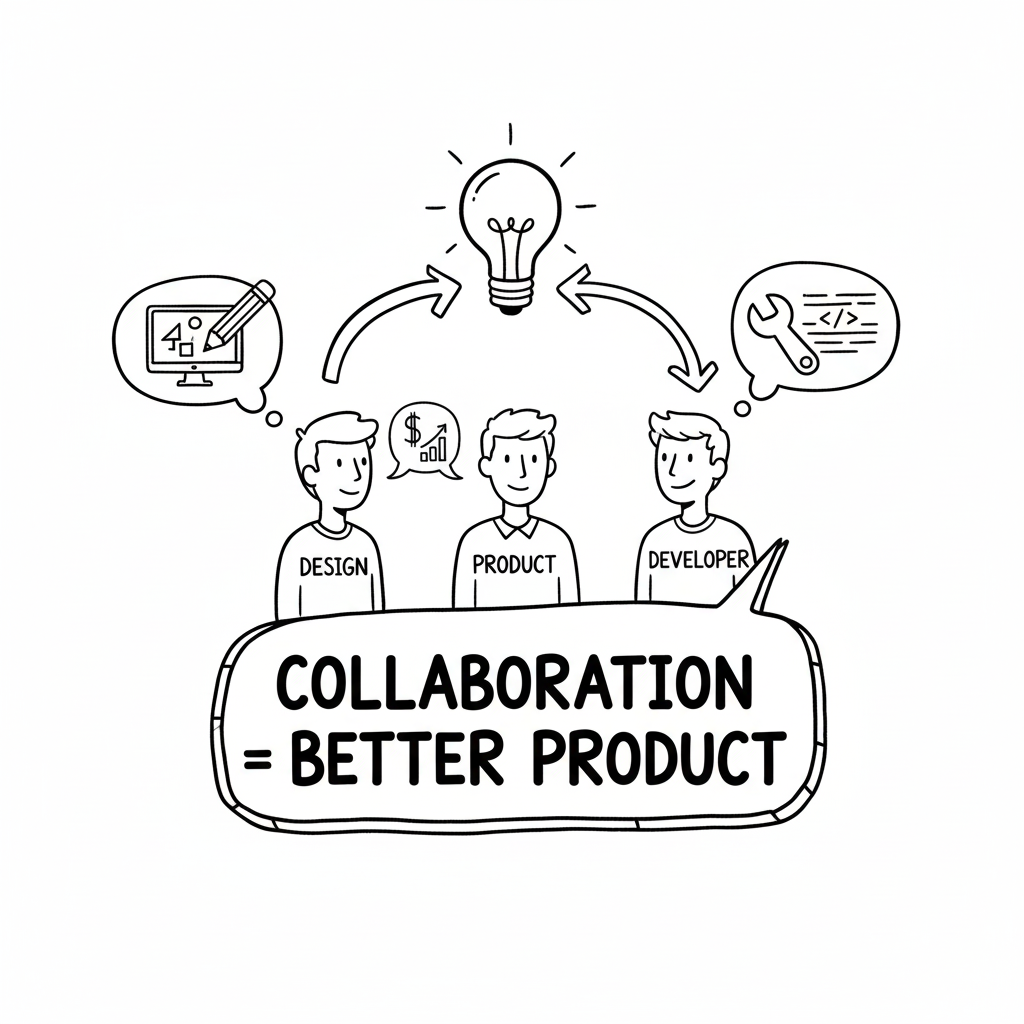
- Figma built an entire company philosophy around simplicity
- Rock Paper Scissors Studio (rockpaperscissors.studio) has written extensively about why good UX design separates winners from losers in digital products
- Basecamp famously kept their project management tool simple while competitors bloated theirs
- Apple proved that simplicity scales to billions of users
None of these companies design by adding features. They design by prioritizing what actually matters.
The Lesson for All Designers
Adobe teaches us what NOT to do:
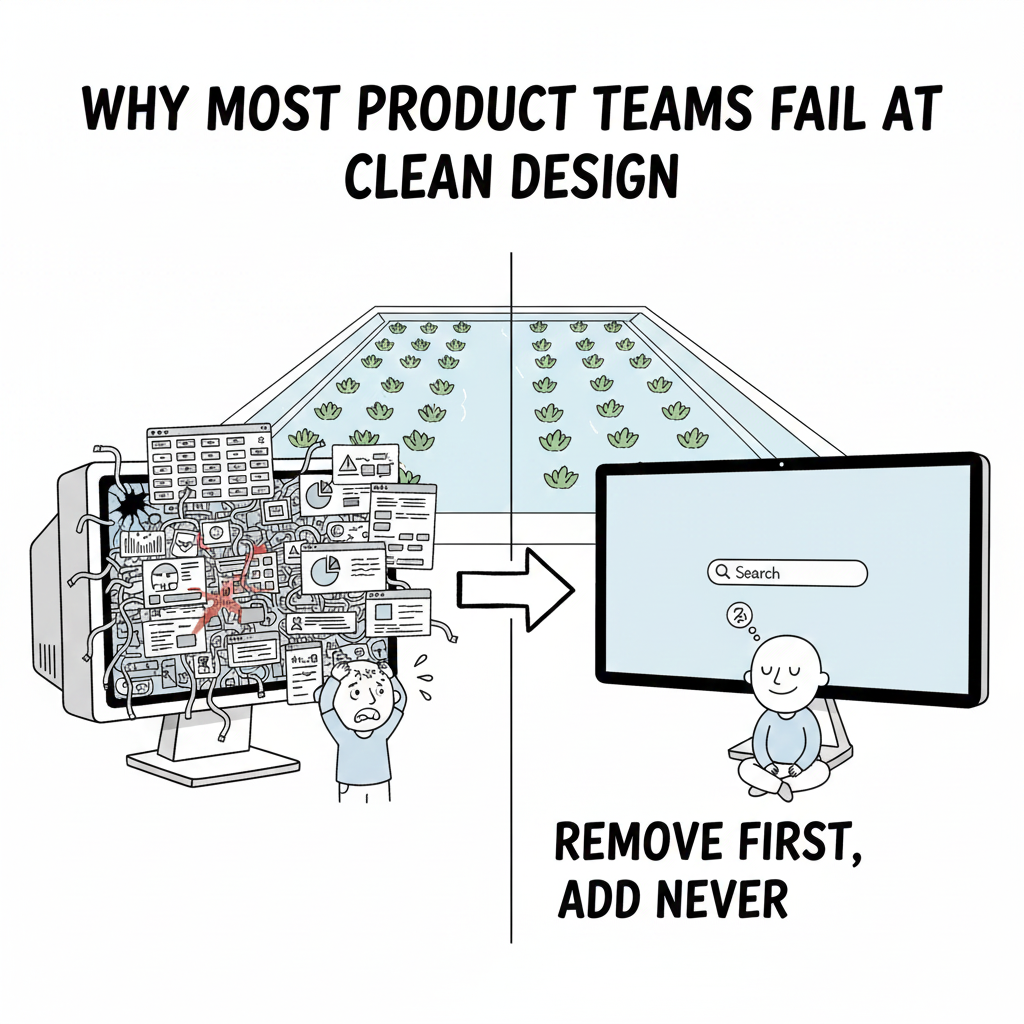
- Never assume more features = better product. More features create complexity. Complexity creates friction. Friction creates churn.
- Never ignore users just because you have market dominance. Customers will leave the moment something better exists. Adobe thought they were irreplaceable. They weren’t.
- Never make beginners suffer so experts feel powerful. Good design serves the majority. Experts can find advanced options without blocking everyone else.
- Never prioritize feature count over usability. One feature that works perfectly beats 100 features that confuse users.
- Never let subscription revenue remove the pressure to innovate on UX. The moment you feel safe from competition, you’ve already lost.
Closing: The Adobe Expert Who Left
That Adobe expert I mentioned? The one struggling with Photoshop?
She eventually switched to Figma for most work. Then Affinity for specialized tasks.
“I’m paying Adobe ₹4,500 a month and using 5% of features,” she told me. “Figma costs less and I understand 100% of what I’m using.”
Adobe had market dominance for decades. They assumed users had no choice. They got comfortable. They stopped innovating on UX.
Then Figma arrived with better design. And people left Adobe in droves.
The moral: Even market leaders can fall when they stop caring about user experience.
Adobe is the cautionary tale. It’s a $17 billion company with millions of users still losing market share because the interface frustrates people daily.
Don’t be Adobe. Don’t design software by adding features. Don’t rely on switching costs and contract lock-in to keep users.
Design interfaces that respect your users. Make them simple enough that beginners don’t panic. Powerful enough that experts don’t outgrow them.
That’s how you build products people actually want to use.
For deeper insights on UX principles that actually work, visit our blog section. We explore how great design separates category leaders from forgotten competitors.
Also Read: Finding Quality UX Courses Without Emptying Your Wallet: A Practical Guide