In theory, design is about creativity. In reality, it’s about navigating constraints. Tight timelines. Skipped processes. Unhappy stakeholders. Technical limits. AI inconsistencies. The real skill of a lead designer isn’t avoiding constraints, it’s designing through them.
“I am a UI UX Principal Designer, and I have all my life worked as a Designer, from Senior Designer, to Lead Designer, to Design Manager. But let me tell you, these constraints remain the exact same no matter your title. Here is what that actually looks like in practice”
1. Tight Timelines
- The Constraint:
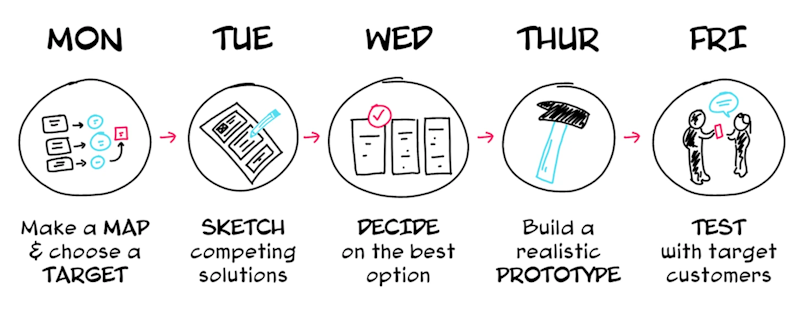
We often work with a lean team, and the client always works with tight timelines. They want the launch of features which are complex in just one sprint. - The Impact:
Less time for validation means a higher risk of misalignment, and design becomes execution-focused instead of insight-driven. - How I Managed It:
The solution which we decided was to simply reduce the scope with respect to the core user pain points. We focused purely on the primary user journey for the sprint, knowing the rest of the edge cases can be updated later. When time shrinks, reduce scope, not clarity.
2. Skipped Process

- The Constraint:
In one of my projects on a pharmacy management system, the client wanted me to deliver screens without the UX process. They just wanted us to be like AI Screen generators. - The Impact:
When you skip the process, design becomes assumption-based. The client would inevitably look at the output and say that our UX was not good.

- How I Managed It:
What we did was, we involved the client in a workshop along with us and did a comprehensive UX activity to understand the briefs and problems much more. Involving the client made him so happy that he said, “Let’s do more of such activities for problem-solving.” With time, our processes were validated with the best UX results. Even when the process is skipped initially, you can still protect strategic thinking.
3. The “Unhappy with Everything” Stakeholder
- The Constraint:
Handling clients who just say your design does not look good. The client gives vague inputs like spacing here is wrong, spelling is wrong, visually doesn’t look better. - The Impact:
Morale drops, confidence shakes, and the conversation becomes emotional instead of objective. - How I Managed It:
We came up with an approach where we started giving the client options and clarity regarding the different styles. We made the client choose the design rather than giving one option for the client to just find problems with. Tying those options to specific business outcomes reframed the discussion overnight. Feedback became constructive.
4. Technology Constraints

- The Constraint:
We consistently work on projects where development frameworks, responsiveness, and complex interactions become problems. Development flags that the design isn’t feasible with the current stack. - The Impact:
Ambitious features get simplified, and tension rises between design and engineering. - How I Managed It:
A good PM and a communicator can solve this very well. Instead of pushing back blindly, sit down with engineering to walk through the technical limitations. Redesign the interaction to fit the framework smoothly—like using progressive disclosure instead of heavy animations. Sometimes constraints don’t weaken design; they refine it.
5. Animation Constraints
- The Constraint:
No time for motion design. No bandwidth for advanced animation implementation. - The Impact:
The product feels static. Feedback loops feel mechanical instead of intuitive.
- How i managed it (real life scenario) :
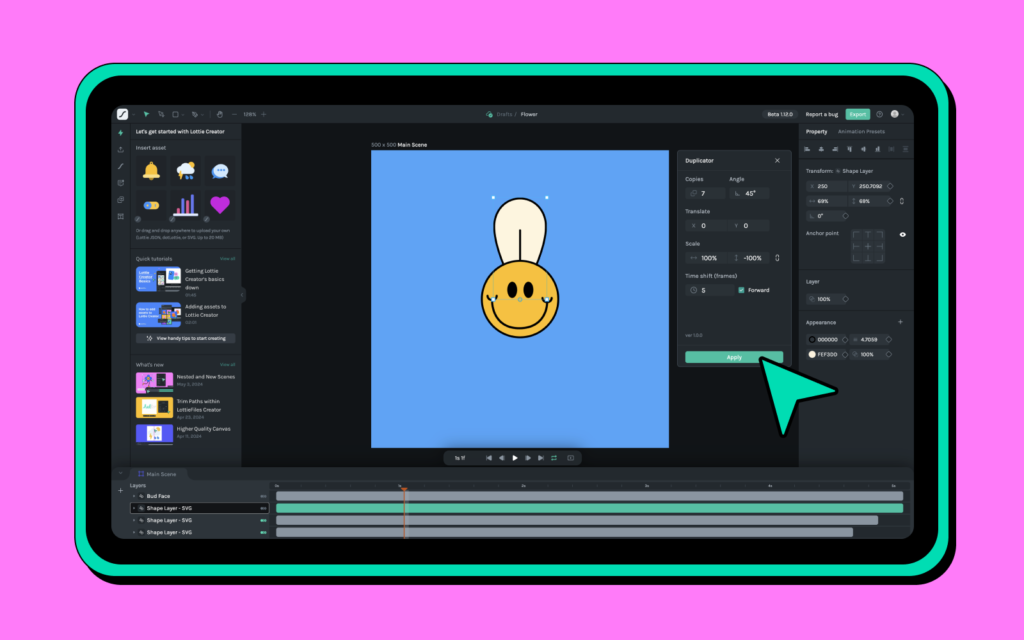
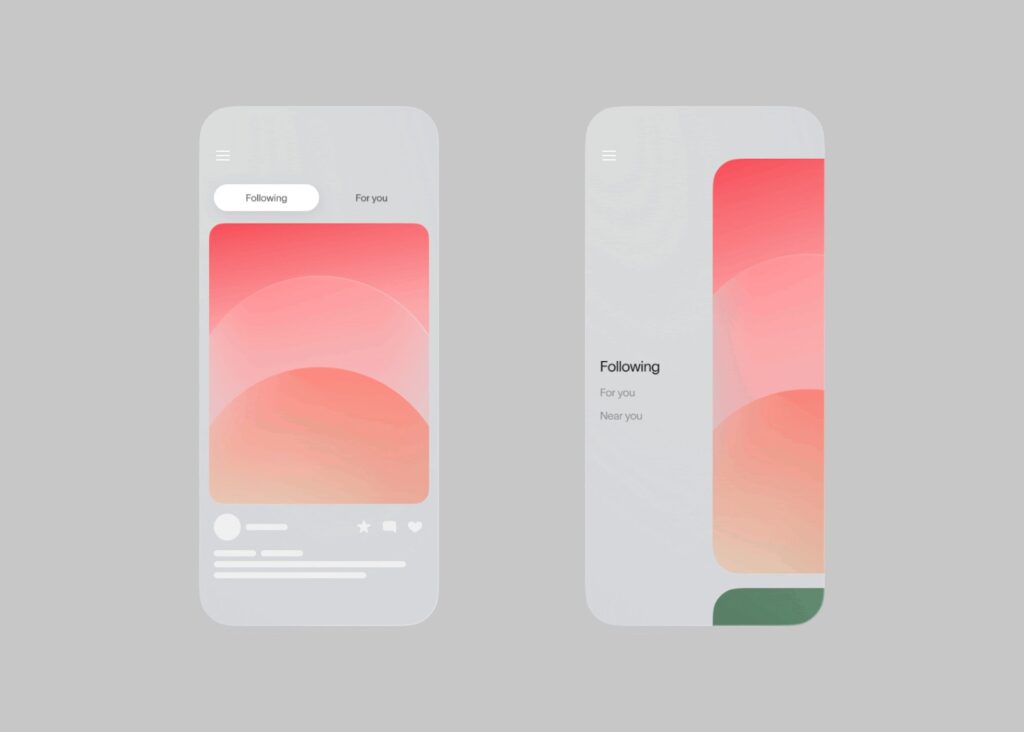
In one project, we planned micro-interactions across the dashboard — hover states, smooth card transitions, animated graphs. The engineering timeline got compressed.
nstead of removing all motion, I prioritized three moments:
- Button feedback
- Success confirmation
- Loading states
We documented exact easing, duration, and purpose not decorative animation.
Even minimal motion improved perceived performance and usability.
Animation doesn’t need to be dramatic.
It needs to be meaningful.
6. AI as a Constraint
- The Constraint:
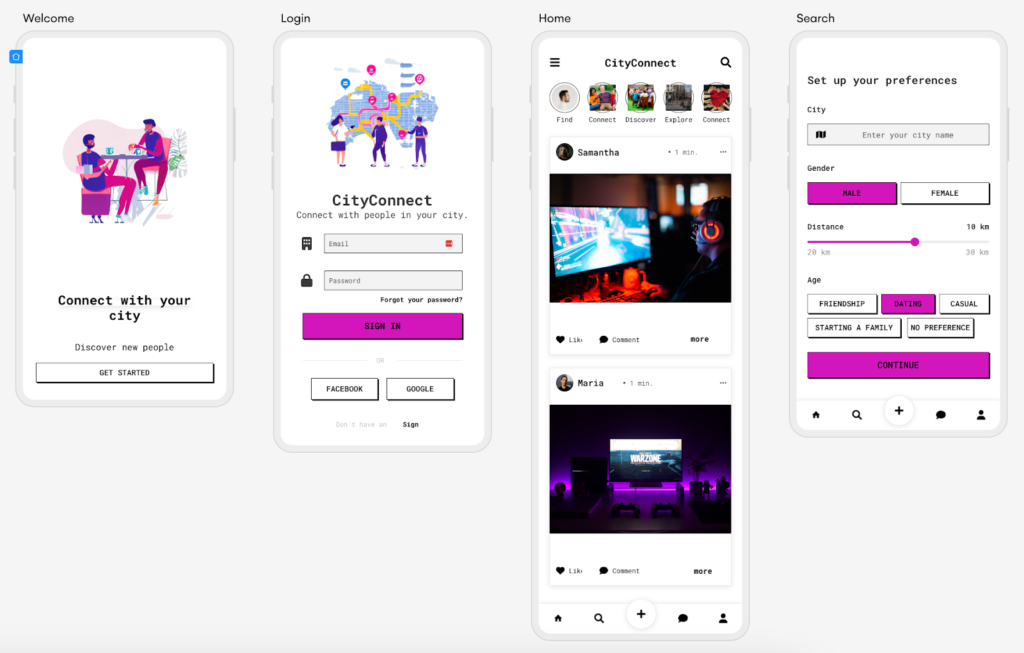
AI tools generate layouts instantly, but spacing is inconsistent, logic is flawed, and components don’t align with the system. - The Impact:
Speed increases, but design quality suffers. Junior designers may over-trust AI output.
- How I Managed It:
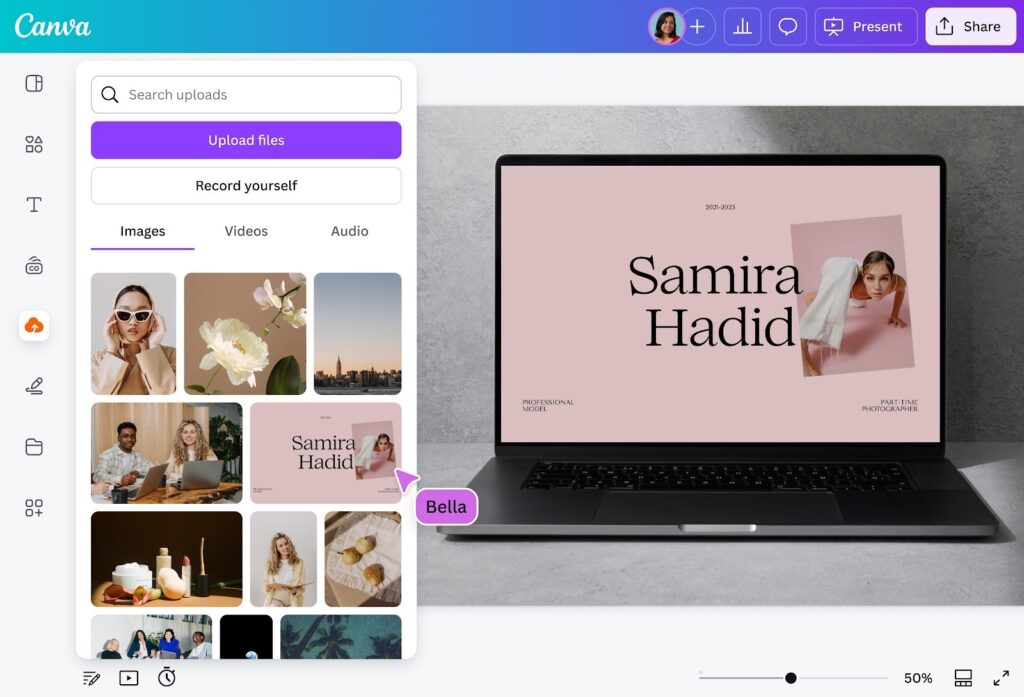
Instead of discarding AI entirely or blindly trusting it, I built an AI workflow to validate its output:
- Grid validation
- Token consistency
- Accessibility checks
- Logical user flow
AI helps me explore quickly, but it never finalizes decisions. Judgment still belongs to the designer.
Final Reflection
Designing under constraints is not a phase; it is part of the job. Deadlines, uncertainty, trade-offs—these aren’t obstacles. They’re part of the craft.
The difference between average and exceptional designers isn’t creativity alone. It’s the ability to stay composed, strategic, and outcome-focused even when conditions aren’t ideal. That’s what real product design looks like.