AI can generate a user flow in 43 seconds. The 12 hours it replaced were never really about the diagram. They were about the walk.
Recently I asked my team to build an onboarding flow. Standard task. Nothing fancy.
They went to Claude. Uploaded the PRD. Got a full user flow back in seconds. Handed it to engineering. Frontend built directly against it. Backend wired up. Live in production within a week.
Then real users started signing up.
Someone came in through an Instagram link. Registered with a phone number. Later tried to log in with Google. The product treated them as a new user. Then found a duplicate. Then showed a confusing “already registered” pop-up. Then asked them to pick a method they had already chosen once.
Multiply that by every user who ever signs up through more than one channel.
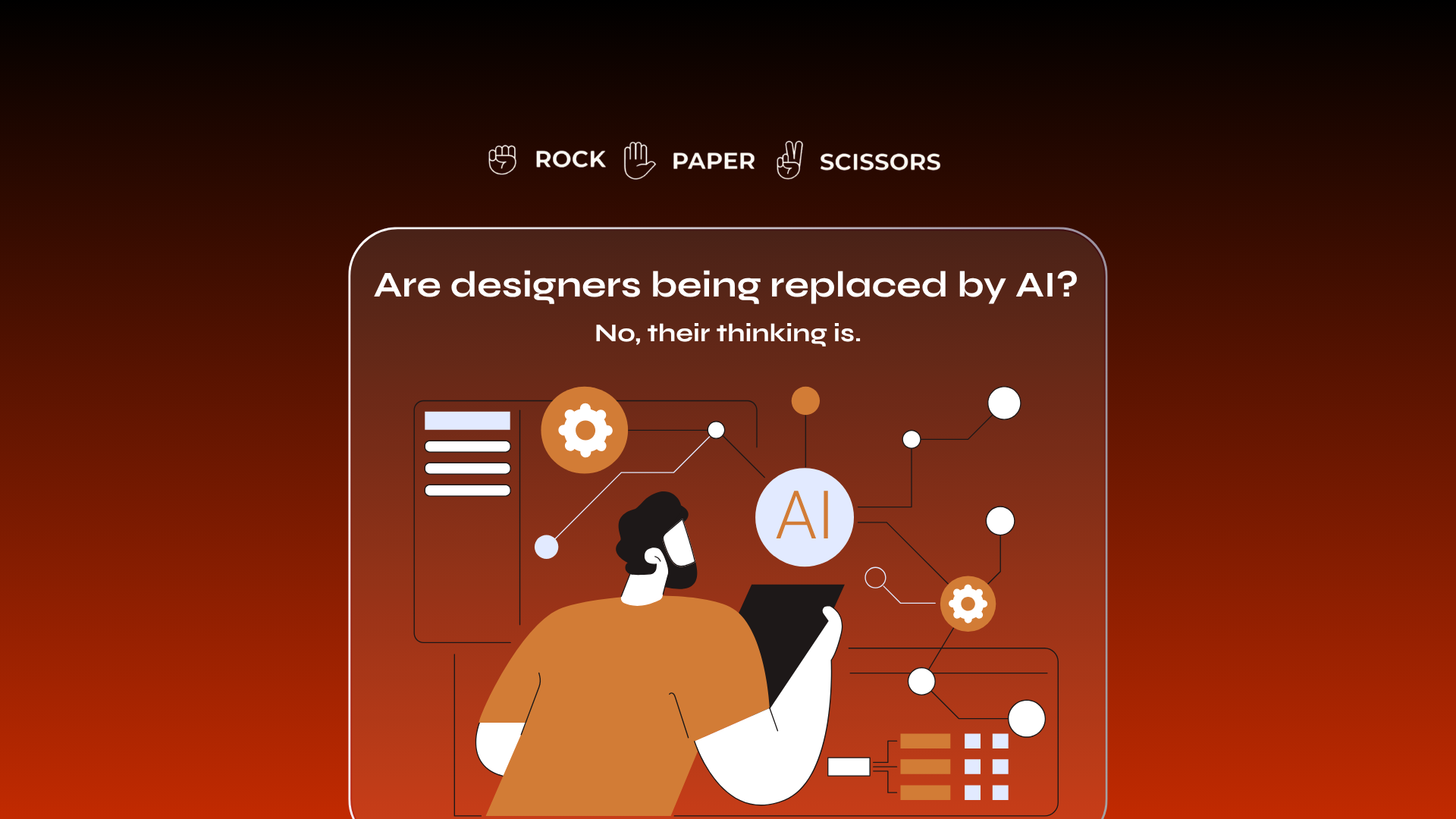
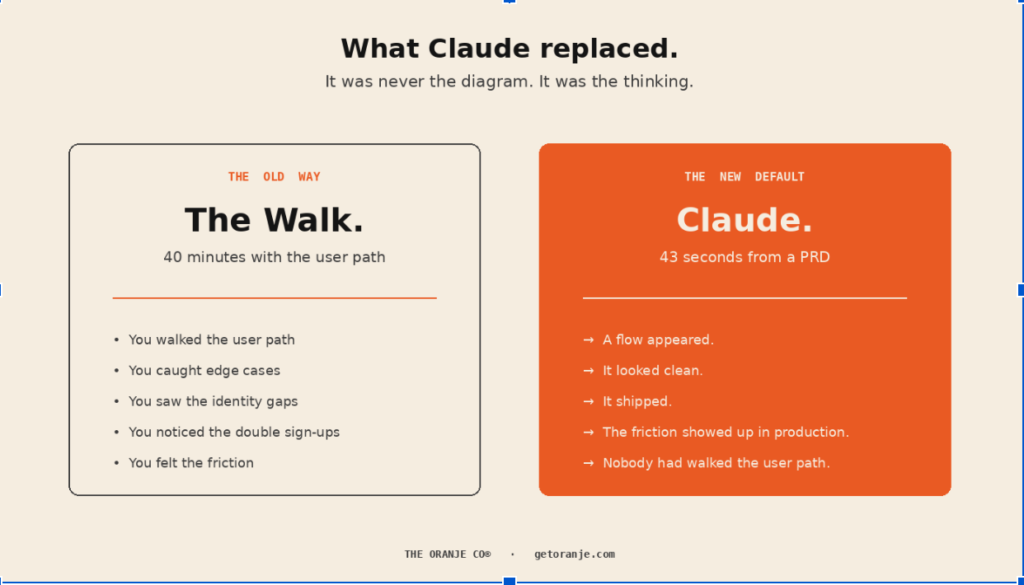
The flow was clean on the diagram. The users hit walls the diagram never showed. What Claude replaced was never the diagram, it was the thinking.
The stat that captures this shift
A designer recently uploaded a 12-page PRD to Claude with one prompt: “Generate a user flow diagram for the onboarding process.”
43 seconds later, she had an editable flowchart.
Traditional user flow diagrams take 8 to 12 hours to build.
That is not a small speed-up. That is a 1,000x compression. And the industry has already moved.
The industry data
The State of Prototyping Spring 2026 survey covered 1,478 designers. The single most telling finding: the most-used design tool after Figma is now an AI. 50.8% of designers use it every week. Claude Code sits at #4 in the design stack, ahead of every canvas-first tool.
Let that land. An AI coding terminal now outranks the canvas where user flows used to live.
From my own survey of designers earlier this year:
92.3% use AI for secondary research. 84.6% use AI for research synthesis. 76.9% use AI for wireframes. 61.5% use AI for personas.
Only 53.8% actually verify AI output line by line before shipping.
What actually got skipped
The 12-hour user flow was never really about the diagram. It was about the walk.
Sitting with the flow. Asking “what if the user signs up on Instagram and later logs in with Google, who are they?” Catching that a phone number field appears three screens too late. Noticing that “already registered” is a wall, not a redirect. Feeling the friction before shipping it.
That is the walk AI cannot do for you.
Claude will generate the diagram. It will look clean. It will parse your PRD. It will identify the decision points that are literally spelled out in the doc. It will not sit with your user for 40 minutes and ask why an OTP flow at step 4 will drive them away.
The diagram was never the work. The thinking that produced the diagram was.
Why this is happening
Clients want lightning speed. Engineering wants to ship. Founders want to test. The market rewards speed above almost everything else
Nobody rewards the 40-minute walk. Nobody sees it. It never makes it into a demo.
So designers skip it. Not out of laziness. Out of accurate reading of what their teams value.
Closing thought
The flow diagram I asked for was ready in 43 seconds.
The friction it created will cost my team weeks of rework.
The math would have been different if someone had spent 40 minutes walking the user path before the prompt. Not instead of. Before.
AI didn’t skip the thinking. We did. AI just made it easy to skip.
Build the walk back in.
Further reading
Mastering Claude Design: 7 UX Strategies for 2026. Sharp advice on feeding flow logic BEFORE asking Claude for interfaces.
State of Prototyping Spring 2026 (UXTools.co). The full 1,478-designer dataset. Claude Code ranking above every canvas tool is the headline finding.
Stop Drawing Flowcharts, AI Does It in 60 Seconds. The Claude-to-diagram workflow with the 43-second stat.