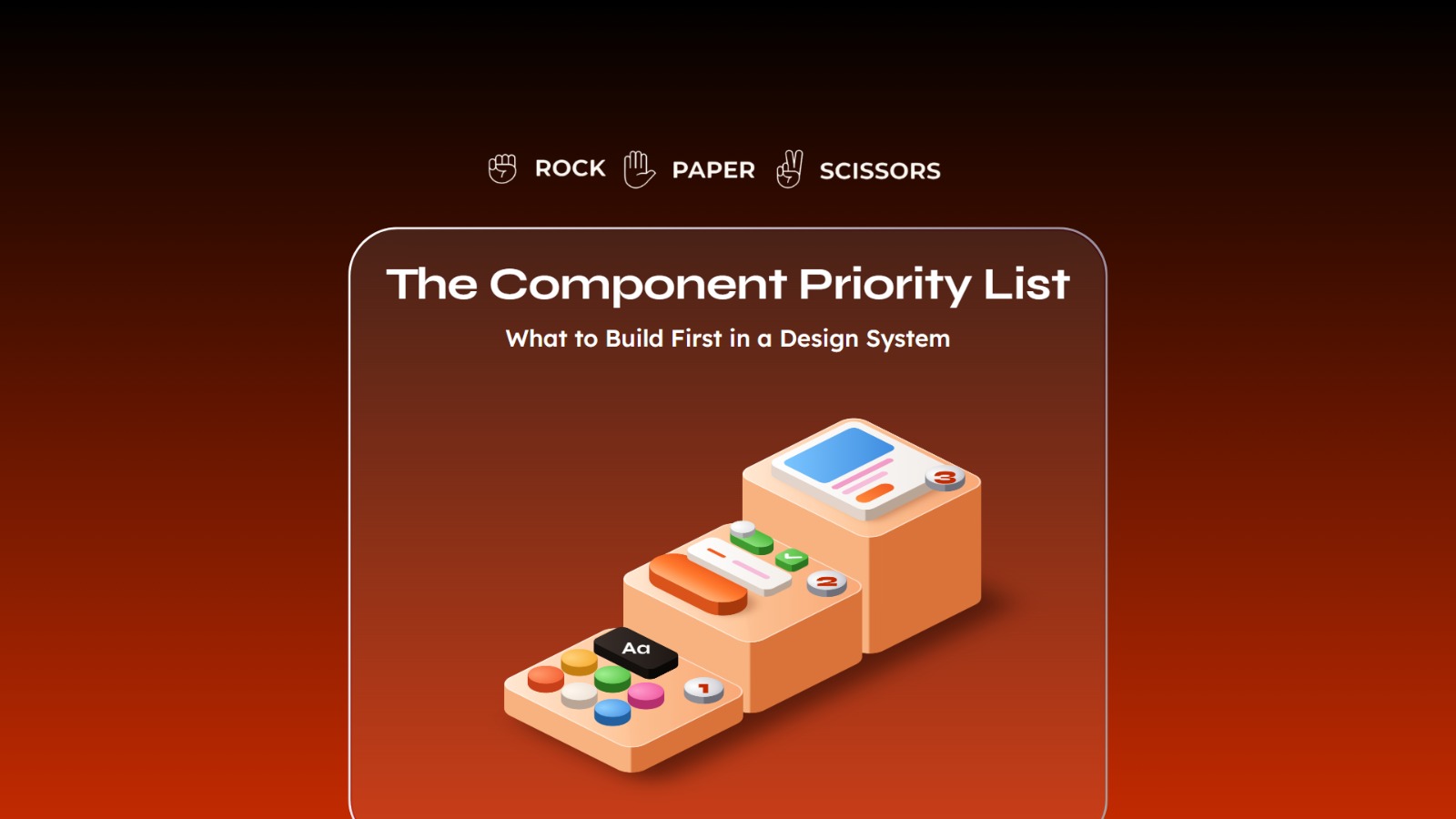
Build a design system in this order: tokens, then the components that appear on every screen, then the patterns that combine them. Teams that build in the wrong order spend months producing components nobody uses while shipping no faster than before.
Start with tokens. Color, type, spacing, and radius defined once, before anyone draws a button.
Then build the atoms that appear everywhere: buttons, inputs, and icons, with every state defined.
Payback depends on how much of your team’s time goes to repeat interface work, not on team size alone.
Aim for the fifth of components that cover most use cases. Full coverage is where budgets go to die.
Two sources of truth is not a design system. If Figma and the code disagree, you have a suggestion.
Introduction
Build your design system in this order: design tokens first, then high traffic atoms, then patterns, and stop well short of full coverage. That order matters because the common failure is not building a bad system, it is building the right components in the wrong sequence and shipping nothing faster for a quarter.
A design system is an internal product, and like any internal product it has a scope, an owner, and a return that can be calculated before you commit. This article covers the build order, how to decide what comes next when your team asks for a new component, what the return actually looks like, and a calculator for running the numbers on your own team.
What a Design System Is, in Business Terms
A design system is a shared library of values, components, and patterns that design and engineering both build from, so that a decision made once is applied everywhere instead of being remade on every screen.
The Lego comparison holds if you push it further than most people do. Anyone can buy a set of bricks. What makes Lego work is that every brick locks to every other brick, because the stud spacing was decided once, in 1958, and never changed. That decision is worth more than the bricks. Your token layer is the stud spacing.
That is also why the build order matters. Producing 40 components before you have agreed on spacing and color is producing 40 bricks that do not lock together.
When to Build One, and When to Wait
Build a design system when the same interface decision is being made more than once by more than one person. Before that point, you are building infrastructure for traffic you do not have.
Four signals mean the time has come. Any two together are usually enough.
More than one team ships interface work
A single team holds consistency in shared memory. Two teams cannot, and the divergence starts in the first quarter.
You have a second theme or brand coming
Dark mode, a white label deal, or a second product. Each doubles the values you maintain, and doing that without a system multiplies the work rather than adding to it.
Onboarding a designer or front end engineer takes weeks
If new joiners spend their first month asking which component to use, the answer exists in people rather than in a system, and it leaves when they do.
Your team is generating interface work with AI tools
Generated screens without a defined system produce a different blue on every screen, because nothing constrains the output.
Wait if you are one designer on one product with no theming requirement and a roadmap that is still changing shape monthly. Tokens and a tidy component file give you most of the benefit at a fraction of the upkeep, and the components you would build today are the ones your product will stop using next quarter.
There is a middle case worth naming, because it catches most companies. You are past the point where a component file is enough and short of the point where you can staff a system. The answer there is to build the foundations only, tokens and the five components on every screen, and stop deliberately. That is a two to three week commitment rather than a two quarter one, and it buys you time without accumulating maintenance you cannot service.
The failure this section is trying to prevent is not building too late. Late is recoverable. It is building a full system at seed stage because a competitor announced one, then abandoning it half finished, which leaves the product worse off than never starting.
Phase One: The Foundations, Before Anyone Draws a Button
Tokens, type scale, and spacing come first because everything built afterward inherits them, and anything built before them has to be rebuilt.
Design tokens
Named references for your values, so color-action-primary is defined once instead of a hex code being typed into 40 files. This is what makes a rebrand or a dark mode a configuration change rather than an audit. Without it, every later phase compounds the problem.
Type scale
A fixed set of sizes and weights with defined use. The saving is not the typography, it is the end of the conversation about whether this heading should be 22 or 24 pixels, which recurs weekly and is never worth the time it consumes.
Spacing and grid
A rigid scale, commonly based on multiples of four or eight. This one is unglamorous and produces the most visible consistency improvement per hour spent, because uneven spacing is what makes a product look unfinished even when every component is correct.
Foundations are cheap and fast, usually a week or two for a single product. They are also the only phase where skipping ahead is genuinely expensive, because everything downstream inherits the mistake.
Phase Two: The Atoms That Earn Their Place
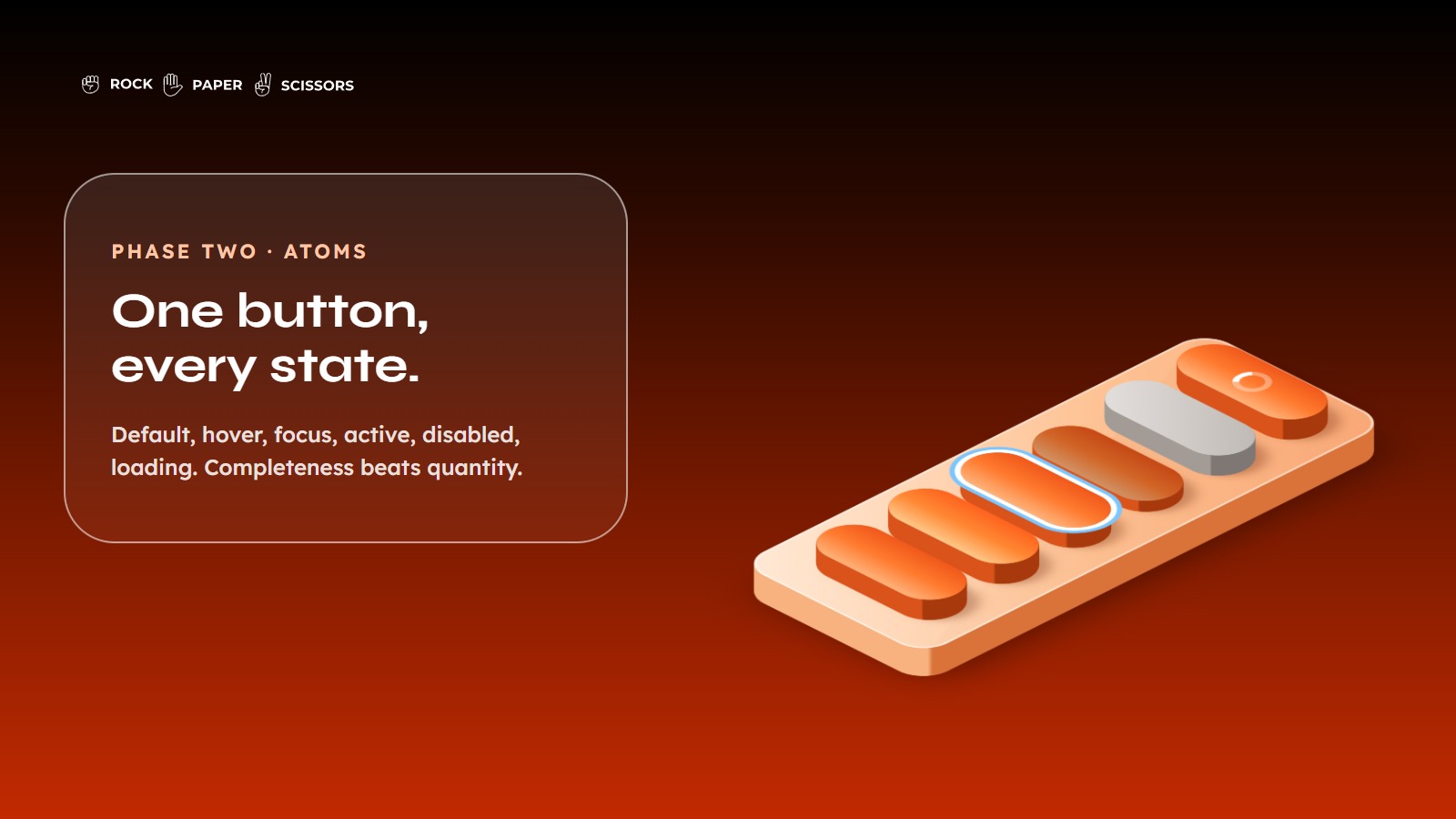
Build the components that appear on nearly every screen, and build them completely rather than building more of them.
Buttons, with primary, secondary, and tertiary variants, and every state: default, hover, focus, active, disabled, loading
Buttons are where users take the actions your business depends on, and a missing loading state is how double submissions reach production.
Inputs and form fields, including text fields, selects, checkboxes, and radios, with error, focus, filled, and disabled states
Forms are where conversion is won and lost, and inconsistent validation behavior across forms is one of the most reliable sources of support tickets.
Icons, as one unified set at one grid size
Mixed icon sets are the visual tell that a product was built by several teams who never spoke.
Completeness beats quantity here. A button with seven properly defined states is worth more than seven half defined components, because the states are what engineers otherwise invent screen by screen.
Phase Three: The Molecules
Combine atoms into the modules that repeat across your product, once the atoms are stable.
Navigation and app bars come first, because they are the most viewed components in any product and the most damaging when inconsistent. Cards follow, as the container for most list and dashboard content. Modals and dialogs come next, and they are worth defining strictly, since a confirmation dialog that behaves differently in three places is how users learn not to trust confirmations.
Resist building this phase in parallel with phase two. A molecule built on unstable atoms gets rebuilt when the atoms change, which is the most common source of wasted effort in a system build.
How to Decide What Comes Next
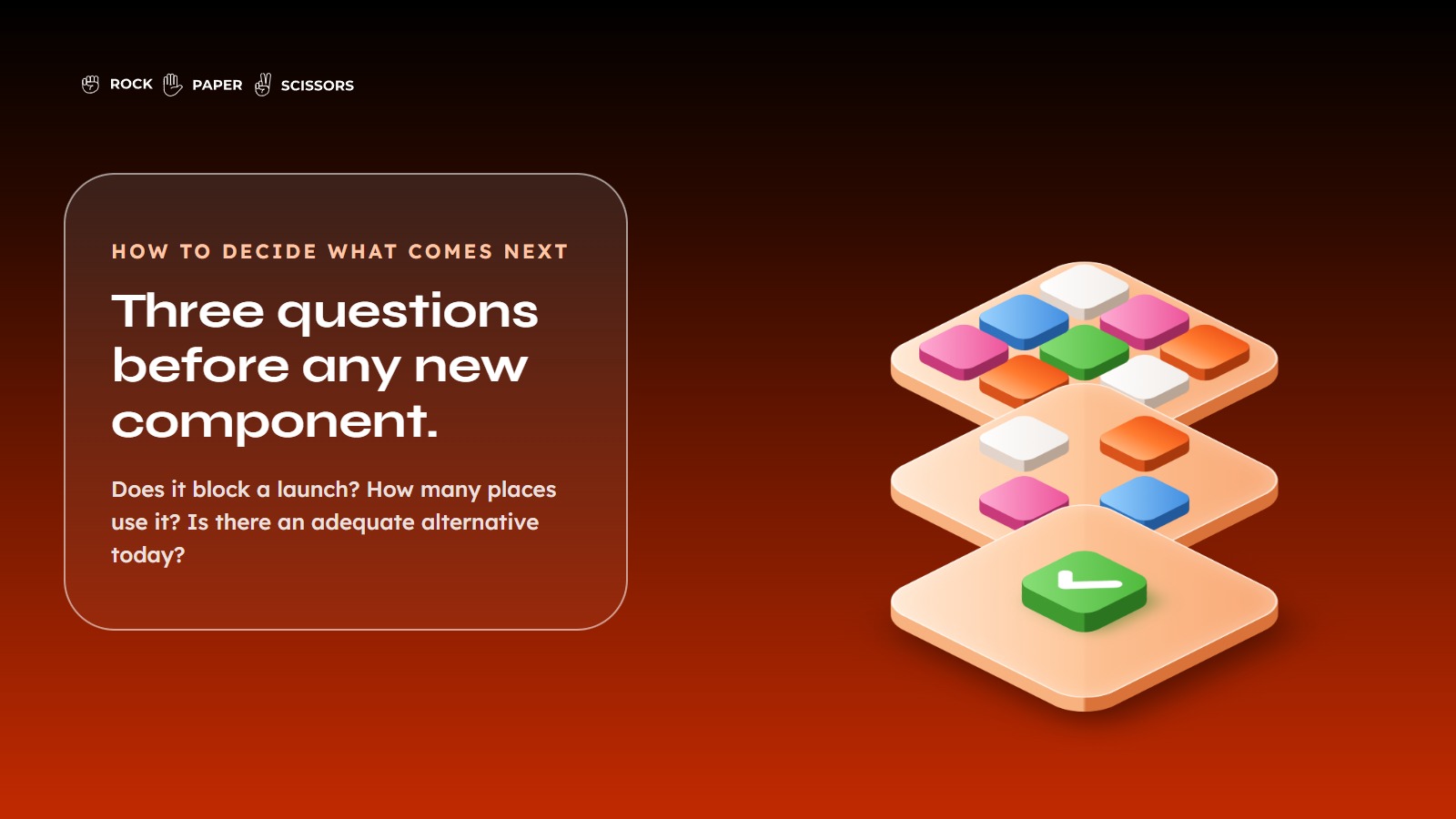
When someone requests a new component, score it on three questions before agreeing.
Does this block a launch?
A component holding up a committed release outranks everything else, regardless of how elegant the alternative would be.
How many places will use it?
A component used in five features is infrastructure. A component used in one dashboard is a feature, and it belongs in that feature’s codebase, not in the system.
Is there an adequate alternative today?
A standard select instead of a custom date picker often costs three days instead of three weeks, and the difference is rarely visible to users.
The third question is the one that saves the most money and gets asked the least. Most component requests are solvable with something that already exists, and the request is really a preference rather than a requirement.
What the Return Actually Looks Like
The published evidence on design system return is real but comes with a conflict of interest worth naming.
Forrester, in a study commissioned by Figma, found that teams using prebuilt components saved more than half their design time in the ideate and create phase, and put the efficiency gain for that phase at 60%. A separate Forrester study, also commissioned by Figma, estimated a 20% to 30% increase in developer output and more than 90 minutes saved per developer per week using Dev Mode, with a modelled ROI of 351% over three years.
Both studies were paid for by the vendor whose product they assess. That does not make them wrong, and Forrester’s methodology is disclosed and reasonable, but it does mean they represent an optimistic ceiling rather than a neutral expectation. Treat those figures as the best case and model your own numbers lower.
The variable that decides your outcome is not team size, it is how much of your team’s time goes to repeat interface work. A team of 20 building one screen a quarter gets almost nothing from a system. A team of six shipping continuously across three surfaces gets a lot. That is why a calculator is more useful here than a benchmark.
The calculator defaults to gain figures below the published research, includes the cost of retrofitting existing screens, and applies an adoption ramp, since a system pays back as teams adopt it rather than on the day it ships. On a team of three designers and eight engineers with typical time splits, it returns a payback of roughly ten months. On a single designer working mostly on new feature exploration, it correctly says not to build one.
Three Mistakes That Waste the Budget
Copying a system built for a company with different problems
Material Design solves Google’s problem, which is thousands of engineers building for billions of users across a dozen platforms. Adopting its component list wholesale means maintaining components your product will never render.
Chasing full coverage
The last 20% of components take longer than the first 80% and serve edge cases that appear once a year. Systems die of exhaustion more often than they die of rejection.
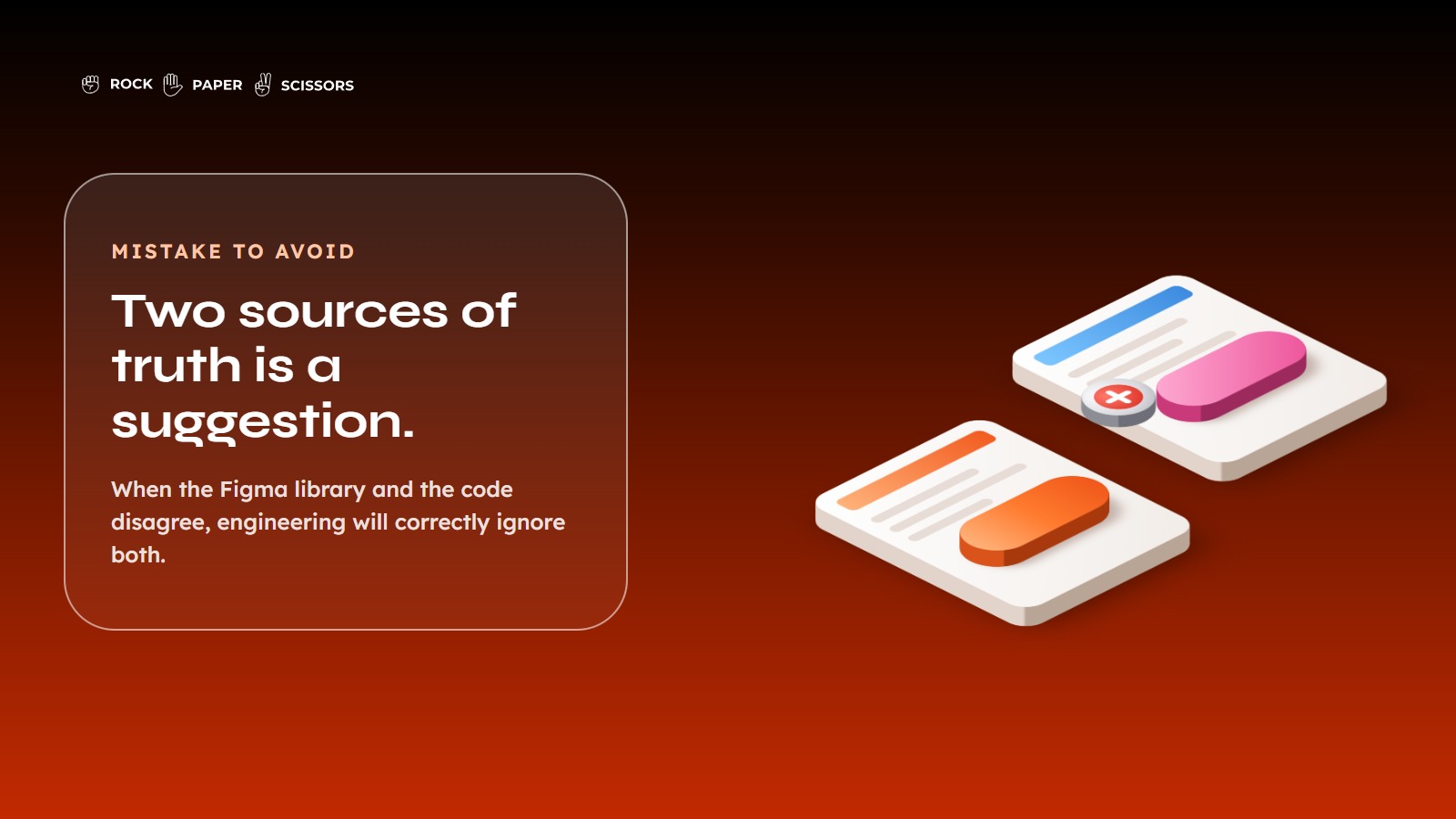
Running two sources of truth
If the Figma library and the code library disagree, you do not have a design system. You have a design suggestion, and engineering will correctly ignore it. This is the failure that undoes the return calculated above, because a system nobody trusts still costs upkeep while saving nothing.
Our guide to building a UI design system covers the mechanics underneath this, and the next article in this series covers the pattern layer, which is where most of the remaining value sits.
Who to Approach
Whoever builds your system should be able to work in the codebase, not only in the design file, because a system that exists only in Figma cannot enforce anything.
Three questions separate a partner who will build you a system from one who will build you a component file.
Ask what they would refuse to build
A partner who agrees to everything in the scoping call is selling hours, not judgment. Scope control is most of the value in this work.
Ask how the system reaches your code
If the answer stops at handover of Figma files, you are buying an artifact that starts decaying at delivery. The answer should involve tokens exported to your repository and components mapped to their code counterparts.
Ask who owns it after they leave
The correct answer names a person on your side and a handover that transfers ownership rather than files.
At Rock Paper Scissors we build systems for enterprise fintech and insurance products, where the constraint is usually regulatory and operational rather than aesthetic. The Nuvama wealth management platform is a representative example. The platform served Relationship Managers handling large volumes of leads, approvals, and client context, and the core problem was not that it looked dated. It was that inconsistent patterns across the product increased the learning curve, so users had to interpret different controls, layouts, and status behaviors on every screen, which pushed up training time. The work replaced that with standardized interaction patterns and a reusable component structure built to extend across lead management, admin, and task workflows.
That project is also why article two in this series exists. Our own writing on why components are cheap and patterns are hard covers the layer where that kind of work actually gets decided.
If you are choosing between building in house and bringing in a partner, the honest split is this. In house is better when you already have a design engineer and the roadmap is stable, because the knowledge stays with you. A partner is better when you need the build compressed and want the sequencing decisions made by someone who has made them before. Either way, name your internal owner before the work starts.
FAQ
What should you build first in a design system?
Design tokens, before any component. Color, type scale, spacing, and radius defined once as named values. Everything built afterward inherits them, so components built before tokens exist have to be rebuilt. Foundations usually take one to two weeks for a single product.
How many components does a design system need?
Fewer than most teams build. Target the components that appear across multiple features, typically twenty to forty for a single product. Full coverage is where budgets are lost, because the final components serve rare cases while consuming disproportionate build and maintenance time.
How do you calculate design system ROI?
Compare the cost of repeat interface work today against the same work with reusable components, then subtract the build and upkeep cost. The deciding variable is what share of your team’s time goes to repeat UI production, not headcount alone.
When is a design system not worth building?
When little of your team’s time goes to repeat interface work. One designer on one product with no theming requirement gets more value from tokens and a tidy component file than from a full system, at a fraction of the maintenance cost.
Should we use Material Design or build our own?
Material Design solves problems specific to Google’s scale and platform range. Most products need a fraction of its components and a different visual language. Borrow its structural thinking, then build your own component list from what your product actually renders on screen.
What is the difference between a component library and a design system?
A component library is a set of reusable elements. A design system adds tokens underneath, patterns above it, plus documentation, a named owner, and a governance process. The library is the artifact. The system is what keeps that artifact accurate over time.
Conclusion
Building in the right order is the difference between a system that pays for itself inside a year and one that quietly becomes a maintenance obligation. Tokens, then the components on every screen, then patterns, then stop. The teams that struggle are almost never the ones that built too little.
There is a check you can run tomorrow without any of this. Ask your lead engineer and lead designer to count the button variations in your codebase. If there are more than three, you already have the problem this article describes, and the calculator above will tell you what it is costing.
Let’s build with intent.