AI Design Tools 2026: How to Integrate AI Into Your Design Workflow Without Chaos
Learn how to use AI as a design collaborator in 2026. Practical strategies for integrating AI tools like Figma AI and Builder.io into your UX/UI workflow without losing control or quality.
Look, I get it. You’ve been designing the same buttons, the same cards, the same navigation patterns for five years. And now AI can generate that stuff in 30 seconds. That feels existential. But here’s what I’ve realized after watching design teams actually implement AI in 2026: the panic is real, but the opportunity is bigger. The key isn’t fighting AI. It’s using it to stop wasting your brain on repetitive work so you can spend it on actually deciding what matters.
The problem most teams hit first is treating AI like a designer replacement instead of a design assistant. They point at Figma AI or generative tools and think, “Why do I need a junior designer anymore?” So they remove the junior designer, and suddenly they’re drowning in options with no one to evaluate them. That’s backwards. AI should handle the options generation. Humans should handle the judgment.

Here’s where I landed after seeing this play out: AI is phenomenal at expanding the canvas. Give it a brief, and it spits out ten layout variations. Give it a component library, and it suggests how they could work together. Give it a user flow, and it generates twelve different information hierarchies. But then what? A human has to look at those twelve variations and ask the questions AI can’t: Does this actually solve the user’s core problem? Does this align with our business constraints? Does this feel like our brand? That’s where the real work happens. That’s where designers become indispensable.
The teams winning in 2026 aren’t the ones using AI to move faster. They’re the ones using AI to move smarter. They’ve stopped using Figma as a place to create designs and started using it as a place to decide between AI-generated options. The operational shift is small but profound. Figma’s AI features in 2026 now include smart layer organization, component suggestions, and a feature called “Check Designs” that acts like a design system linter recommending your design tokens and variables automatically based on what you’ve built before. That’s not replacing you. That’s removing friction from work that doesn’t require human judgment.
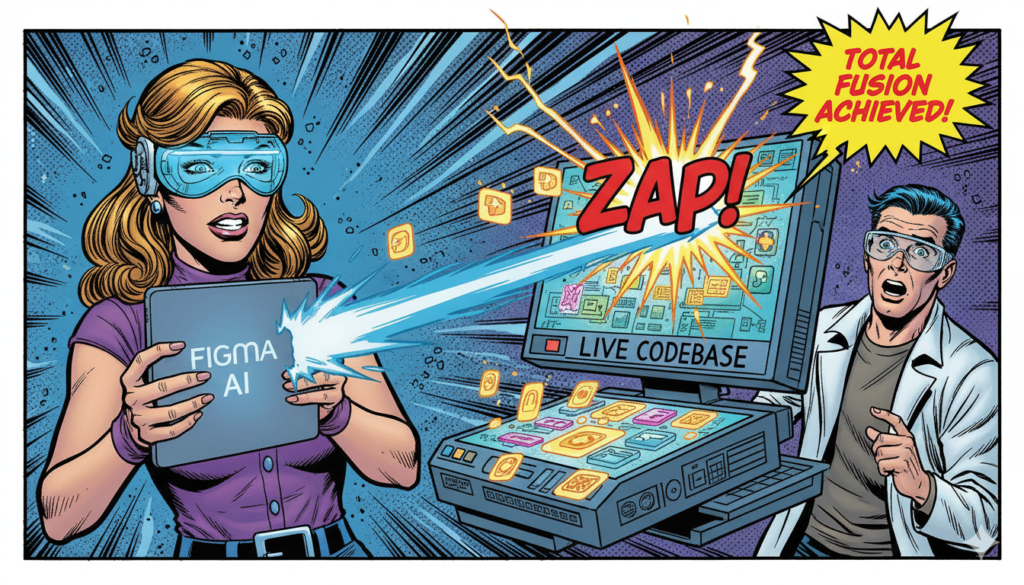
Where this actually transforms your process: when you connect AI tools to your existing design system and component library. Most teams don’t do this. They use AI standalone, which generates random buttons and layouts that don’t align with anything. But if you configure AI to work with your production components, everything changes. Builder.io Fusion, for example, generates production-ready code that connects directly to your codebase and design system. You’re not designing mockups that developers rebuild. You’re designing the actual product in a Git workflow. Every change gets reviewed and merged like code. That’s not just faster. That’s the removal of the handoff problem itself.
The practical implementation roadmap for most design teams looks like this: start with one real project, not a pilot that exists to prove concepts. Run your normal project timeline, but have AI generate three design variations for key screens instead of the designer generating one. Your designer then evaluates those three and makes a decision, potentially combining elements from multiple options. Measure what changes: number of revision rounds, time spent on design feedback, developer questions during handoff. In teams that implemented this cleanly, design revisions dropped roughly 30 percent because ambiguity was resolved earlier.
The mistake most teams make is rolling AI out to everyone at once, then wondering why the output is inconsistent. Smart teams do the opposite. They run one project with one designer who’s comfortable with experimentation. That designer learns the tool, figures out what prompts generate useful output versus noise, and discovers where AI actually saves time versus where it creates busywork. After two to three projects, they train the rest of the team based on real patterns, not theoretical ones.

There’s also the psychological shift that matters more than people admit. Designers often feel like they’re in competition with AI. That if they use it, they’re admitting they’re not good enough. Flip that. The designers who embrace AI early are the ones who go from “I executed this design” to “I made the decision that this was the right design, and I evaluated these five alternatives to get here.” That’s more valuable. That’s harder to automate. That’s what keeps you employed when AI gets cheaper.
Also Read: Why Everything Looks the Same in 2025: The Copy-Paste World